The Nintendo eShop has become the go-to destination for millions of gamers picking up titles for their Nintendo Switch, and it’s only getting bigger with the Nintendo Switch 2 launch. Whether you’re hunting for the latest releases, scanning for deals, or managing a massive library of digital games, understanding how to navigate the eShop efficiently can save you time and money. This guide covers everything you need to know about purchasing, organizing, and maximizing your digital gaming experience on Nintendo’s platforms.
Key Takeaways
- The Nintendo eShop offers instant digital access to games, DLC, and demos across Nintendo Switch and Switch 2, with purchases tied permanently to your account for unlimited redownloads.
- Nintendo eShop discounts and sales are worth monitoring, especially for first-party titles, and you can wishlist games to receive notifications when prices drop.
- Digital purchases on the Nintendo eShop count toward Nintendo Rewards points and can be archived to free storage space without losing ownership or paying to redownload.
- Multiple payment options are available including credit cards, PayPal, and prepaid eShop cards from retailers like Best Buy and Walmart, giving you flexibility and control over spending.
- Archive instead of deleting games to maintain your license and avoid repurchasing; use parental controls to set spending limits and content restrictions on family consoles.
- Nintendo Switch Online subscription is required for online multiplayer in games like Splatoon 3 and Mario Kart 8 Deluxe, and can be activated through eShop code redemption.
What Is the Nintendo eShop and Why Go Digital?
The Nintendo eShop is Nintendo’s official digital storefront where you can purchase and download games, DLC, demos, and other content directly to your Nintendo Switch or Nintendo Switch 2 console. Unlike physical game cards, digital purchases are tied to your Nintendo account and downloaded over the internet to your system storage or microSD card.
Going digital offers real advantages. You get instant access to games without waiting for shipping or driving to a store. Your console can hold dozens or even hundreds of titles simultaneously without needing separate cartridges taking up physical space. If you delete a game later, you can redownload it anytime without repurchasing, your purchase is permanent and tied to your account.
The eShop also hosts digital-only titles and exclusive deals that sometimes only appear online. Nintendo regularly discounts games, and if you’re collecting Nintendo Rewards points, digital purchases count toward those rewards. Worth noting: the eShop for Wii U and 3DS shut down in March 2023, so any classic titles you wanted from those platforms needed to be grabbed before then.
Finding and Purchasing Games on the eShop
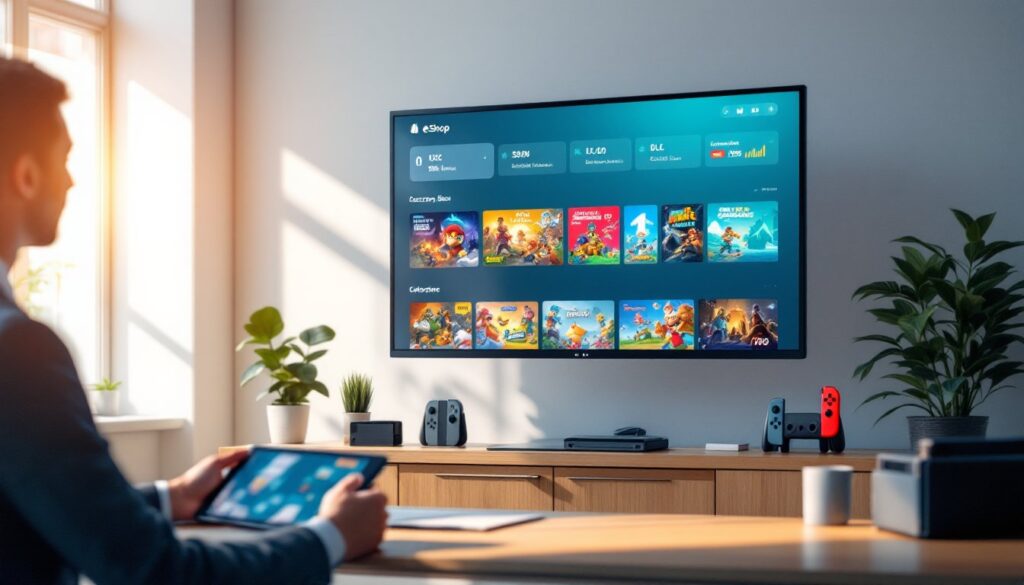
Accessing the eShop is straightforward. From your Switch or Switch 2 HOME Menu, tap the eShop icon, and you’re in. The interface lets you search by game title, genre, or keywords. You can filter results to show only demos, games with specific features, or titles compatible with Nintendo Switch Online.
Product pages display everything you need to make an informed choice: the game’s price, file size, supported languages, and what DLC is available. Some games require a subscription to Nintendo Switch Online for online play, and the eShop will flag that.
Browsing New Releases and Sales
The eShop home screen highlights new releases, coming soon titles, and bestsellers. Rankings update regularly and show what other players are buying, which is useful when you’re trying to figure out what’s actually worth your time versus what’s getting hyped. You’ll also find entire sections dedicated to sales and discounts, Nintendo isn’t aggressive with price cuts like other publishers, so catching a sale on first-party games is worth the attention.
Switch 2 added personalized recommendation sections that update weekly, pulling suggestions based on your game library and wishlist. It’s not perfect, but it beats scrolling through hundreds of shovelware titles.
eShop Cards and Payment Methods
You’ve got flexible options for adding funds to your eShop account. Credit cards and debit cards work in most regions, and PayPal integration is available in many countries, giving you an extra layer of payment security if you prefer it over storing card details directly.
Nintendo eShop prepaid cards are sold at major retailers, GameStop, Best Buy, Target, Walmart, and others stock them. These cards add credit to your account without requiring you to link a credit card, which is handy if you want to give gaming funds as a gift or keep spending controlled. You can also purchase games directly through Nintendo’s website and have them auto-download to your console while you’re away.
Redeeming eShop Codes and Memberships
Redeeming codes is simple: grab your eShop card or digital code and enter it either from within the eShop itself (look for the “Enter Code” option) or from your console’s main menu settings. Codes can add wallet funds, unlock specific games or DLC, or activate subscriptions like Nintendo Switch Online.
Nintendo Switch Online is worth mentioning, it’s Nintendo’s subscription service that unlocks online multiplayer, cloud saves, and access to classic NES and SNES games. If you’re playing any competitive multiplayer (Splatoon 3, Mario Kart 8 Deluxe, Smash Bros), you need the subscription.
Managing Your Digital Library and Account
Once you’ve built up a digital library, keeping it organized matters. Your Switch shows all downloaded games on the HOME Menu, but as you hit 20+ titles, finding what you want gets messy fast.
Use the archive feature to free up storage space without losing ownership. Archiving removes a game from your screen but keeps your license intact, redownload it anytime at no cost. This is different from deleting: deleted games must be repurchased if you change your mind. On Switch 2, management is streamlined further with better organization tools.
Wishlist any game you’re interested in but not ready to buy. You’ll get notifications when titles go on sale, which helps catch those rare Nintendo discounts. The eShop also tracks your purchase history and allows redownloads going back years, so if you’ve forgotten what you own, you can dig through your account.
Parental controls let you restrict children’s access to the eShop or specific content ratings if you’re managing a family console. You can set spending limits and approve purchases before they go through. For a gaming website like Gtchgth, staying on top of account management keeps your gaming life friction-free. If you’re hunting for ways to save on individual game purchases, Nintendo Game Vouchers let you bundle two first-party titles at a discount, a solid option if you’re buying multiple Nintendo exclusives.
Conclusion
The Nintendo eShop centralizes everything you need for digital gaming on Nintendo Switch and Nintendo Switch 2: purchasing, organizing, and accessing your collection. Whether you’re a casual player grabbing a single indie title or a dedicated gamer managing hundreds of games, the eShop delivers convenience, instant access, and ongoing sales. Mastering how to navigate it means spending less time hunting for games and more time actually playing them.